Product tour
LightNow is the MCP control plane for AI clients. It brings server discovery, trust signals, Runtime Profiles, client connection and runtime visibility into one operating model. Your AI client keeps one LightNow Proxy entry while the selected profile defines the MCP servers behind it.
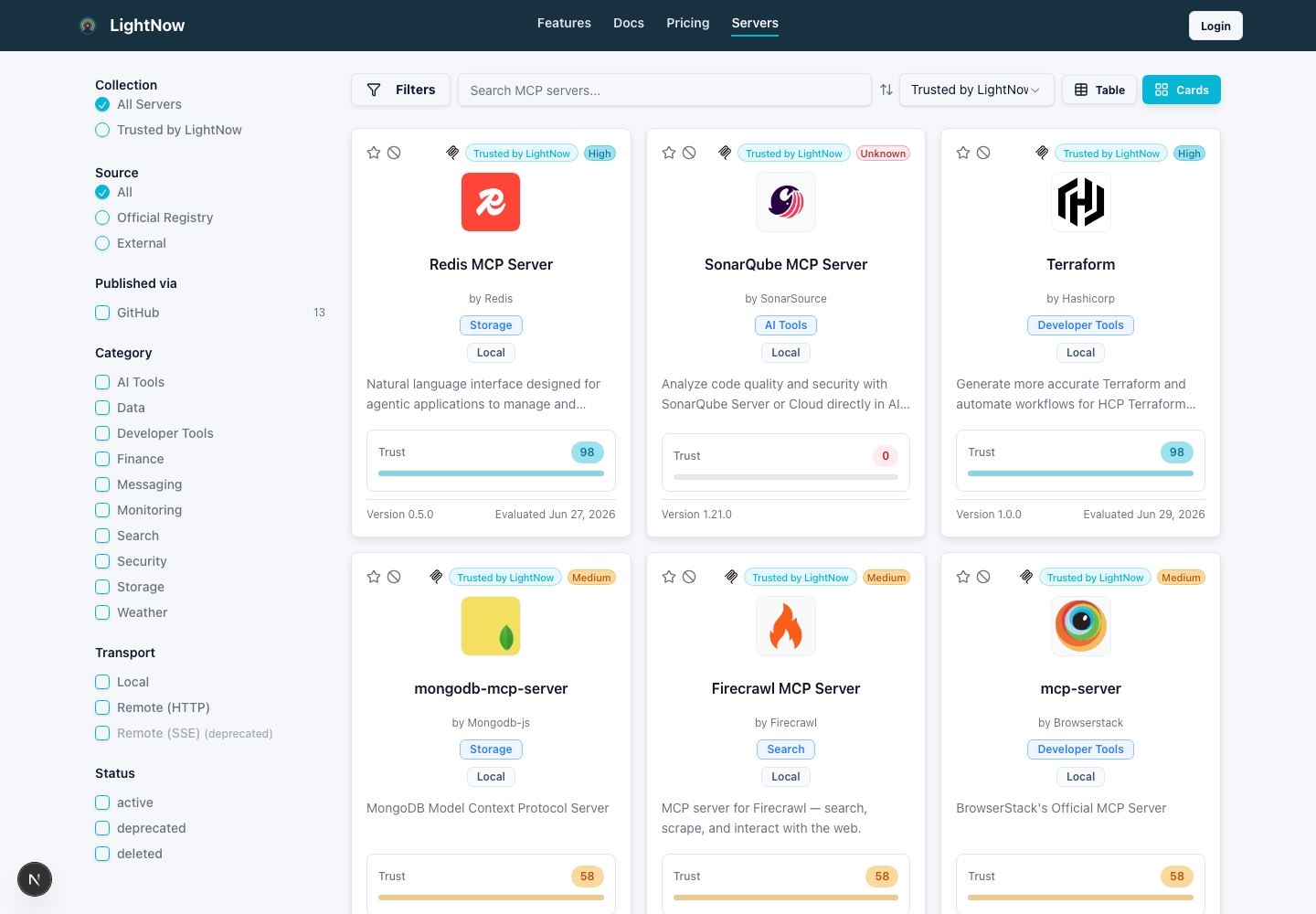
Filter by source, category, transport, trust and capability signals before a server reaches an agent.
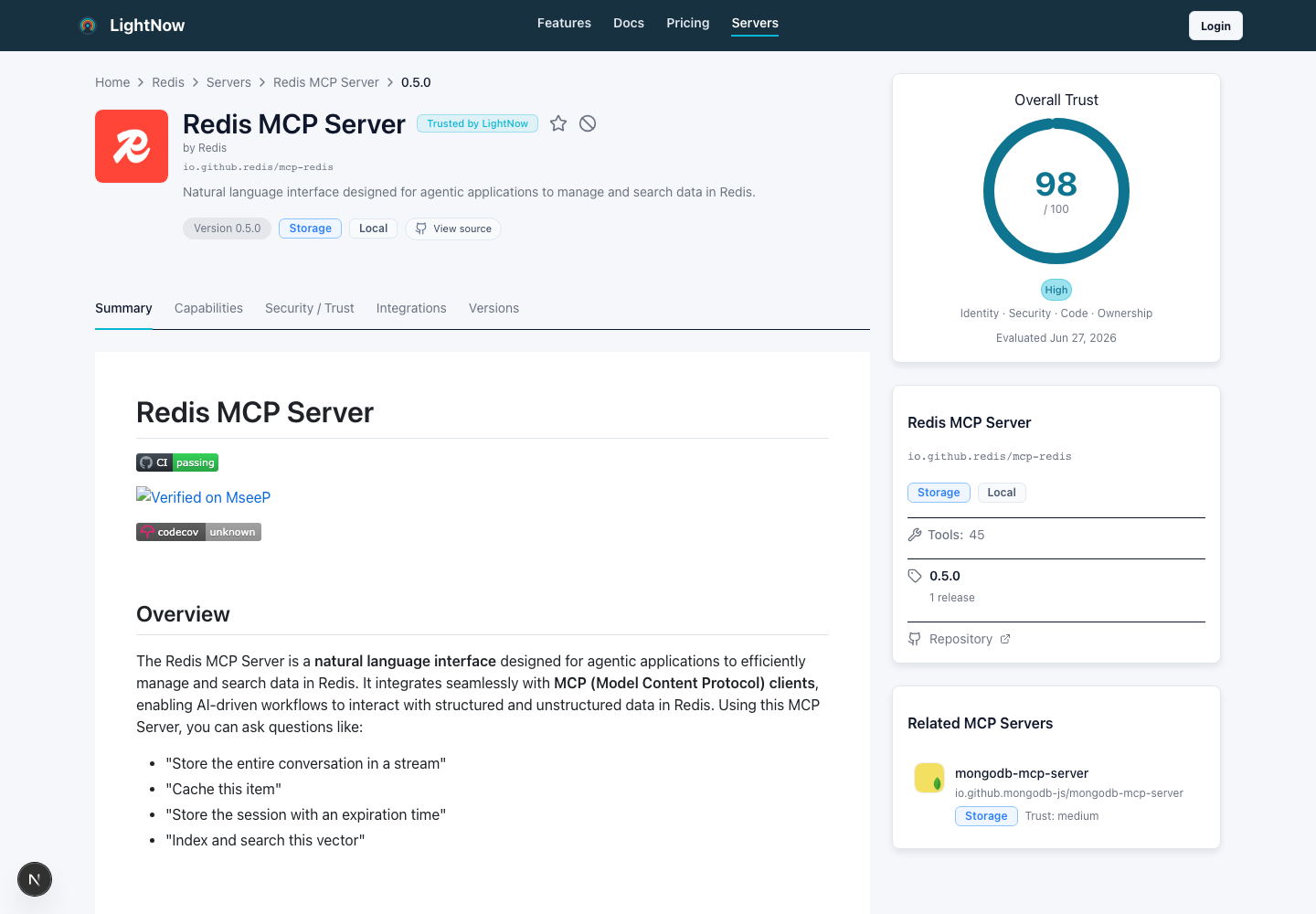
Read upstream README context beside version, repository, capability and trust evidence.
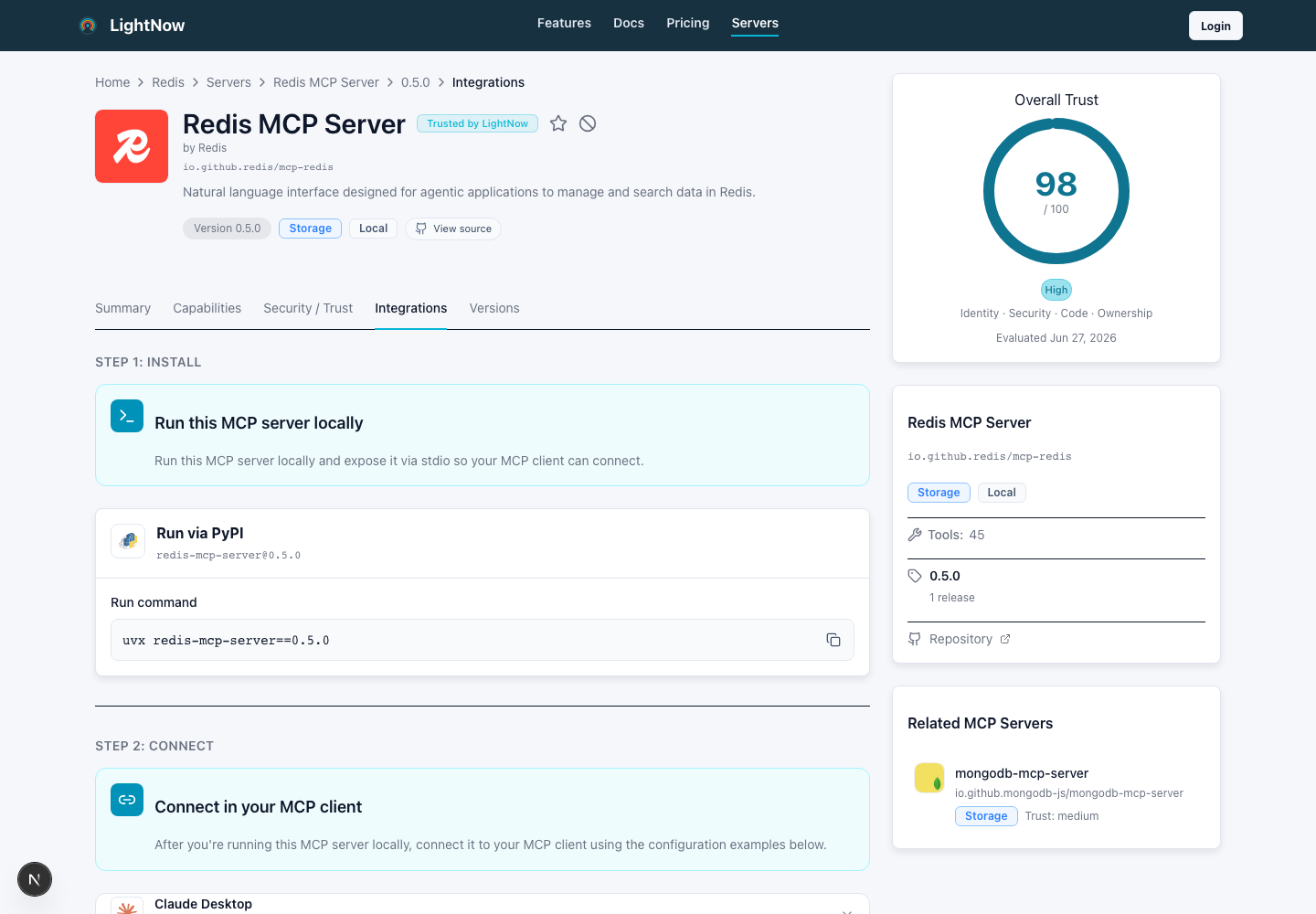
Use integrations for experiments; move repeat use into Runtime Profiles and Local Proxy.
The operating loop
Teams normally repeat four actions as MCP becomes part of daily development:
- Discover a server and inspect its source, transport and capabilities.
- Decide whether its ownership and trust evidence fit the intended use.
- Add it to a personal or organization Runtime Profile.
- Connect an AI client and verify the resulting runtime.
Discover and assess servers
The Registry helps you compare MCP servers without starting from scattered READMEs and copied config snippets. Browse by source, category, transport, capabilities and trust signals, then open one version for the details that matter to your decision.
Capabilities and trust answer different questions:
- Capabilities describe what the server can expose to an AI client.
- Trust signals describe what LightNow knows about the publisher, source, endpoint and evaluated version.
Treat those signals as decision support, not as a substitute for your own risk assessment.
Build a reusable Runtime Profile
A Runtime Profile is the named server set for a workflow. Use a personal profile for your own clients or an organization profile when a team should share and govern the same set.
Before connecting a client, make sure every profile server has the command, URL, headers, environment values or secret references it needs. The profile can exist while still being incomplete; readiness must be resolved before rollout.
Learn how profiles, runtime inputs and organization context fit together.
Preview useful entries before merging them into a Runtime Profile.
Connect an AI client
For supported clients, the recommended setup writes one LightNow entry that
starts LightNow Proxy in the same execution environment as the client. The
proxy resolves the selected Runtime Profile and routes MCP requests to its
stdio and Streamable HTTP upstreams.
This keeps per-server commands and secret values out of the normal client file. Direct sync and bridge exports remain compatibility paths for workflows that need a native client configuration.
Govern and observe the runtime
Organization settings can select a default profile, choose managed clients and decide whether unmanaged client entries may remain. Apply those settings with policy-driven sync only after the profile works for a pilot client.
LightNow Proxy can report health and metadata-only runtime events. These events help distinguish client-config drift, profile resolution failures and upstream errors without storing tool arguments, tool results, resource contents, workspace paths, secrets or authorization headers.